Roku App Now Available
The Roku App is Here!
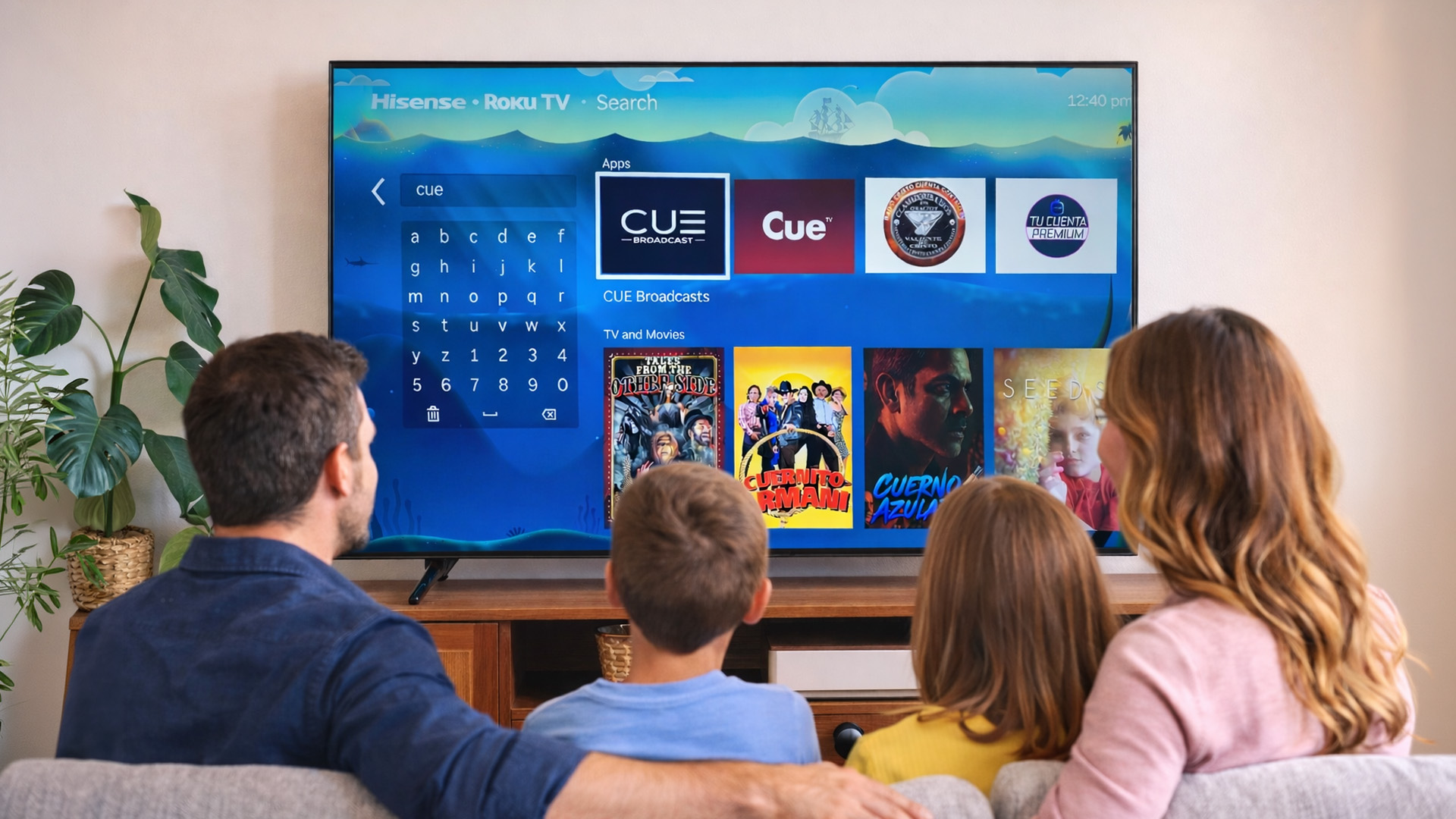
We’re excited to officially announce that the CUE Broadcast Roku App has been released and is now available in the Roku Channel Store!
This has been one of our most requested updates, and we want to thank all of our subscribers for their patience and support as we worked to bring CUE Broadcast to the Roku platform.
How to Get Started
Getting up and running is quick and easy:
From your Roku Home Screen, go to the Roku Channel Store
Search for CUE Broadcast
Download and install the app
Log in using your existing CUE Broadcast credentials
That’s it—you’re ready to stream!
Important Note About DVR
At this time, the DVR feature is not yet functioning on the Roku app. We want to be transparent and let you know that this feature, along with other enhancements, is part of our ongoing development plan. We will be releasing regular updates that will continue to improve the Roku app and expand functionality over time.
What to Expect
The Roku app is live and fully functional for streaming, and additional updates and improvements will roll out as we continue refining the experience. You’ll see new features and enhancements added as they become available.
Need Help?
If you have any questions or need assistance installing or logging in, our support team is here to help.
📞 Customer Support: 855-569-1891
📧 Email Support: [email protected]
Thank you for being a valued part of CUE Broadcast. We’re thrilled to bring CUE Broadcast to Roku and appreciate your continued support as we keep improving the platform.
